Capabilities
One Business Management AI.
Every Business Function.
Zablen unifies CRM, operations, accounting, and custom business applications into one intelligent platform. Every capability shares the same data model, security model, and Business Management AI, allowing your entire organization to work from one system instead of dozens of disconnected applications.
Thank you! Your submission has been received!
Oops! Something went wrong while submitting the form.
AI

Conversation-Driven
Get work done by simply asking.

Context-Aware
Knows exactly what you're viewing and working on.

Intent Recognition
Understands what you're trying to accomplish.

Business Memory
Remembers your rules, preferences, and past decisions.

Custom AI Skills
Teach the AI new skills using plain English.

AI Guardrails
Sensitive actions always require human approval.
Customization

Custom Fields
Add the fields your business actually needs.

Custom Data Tables
Create entirely new business objects without code.

Scheduled Automations
Schedule recurring repetitive work with or without AI.

Custom AI Skills
Teach the AI how your business works.

Custom Scripts
Build advanced business logic when you need it.

Custom Triggers
Run actions automatically when business events occur.

Role-Based Experiences
Show each team exactly what they need.

Custom Goals
Build custom goals and KPIs tailored to every department.

Custom Integrations
Connect Zablen to the tools you already use.
Reporting

Universal Reporting
Report on any standard or custom business data.

Financial Statements
Generate balance sheets, income statements, and more.

Custom Report Builder
Build reports without waiting on developers or IT.

Historical Snapshots
Analyze receivables, payables, inventory, and trends over time.

Export Anywhere
Export reports to Excel, PDF, or your favorite tools.
Analytics & Dashboards

Live Dashboard
Monitor your business with real-time operational data.

Custom KPIs
Define the metrics that matter to your business.

AI Data Modeling
Use AI to create datasets from any business data.

Calculated Metrics
Build advanced business calculations using scripts.

Interactive Drill-Down
Go from executive dashboard to transaction in one click.

Replace Traditional BI
Build powerful analytics without separate BI software.
Sales
Accounts & Contacts
Keep every customer, contact, and interaction in one place.

Lead Management
Capture, qualify, and convert leads into customers.

Opportunity Pipeline
Track deals from first conversation to closed won.
Quotes & Proposals
Create, send, and manage customer quotes with ease.

Sales Orders
Convert quotes into orders ready for fulfillment.

Recurring Revenue
Manage subscriptions, contracts, and recurring billing.

Activities & Tasks
Never miss a follow-up, meeting, or customer touchpoint.
Customer Management

Customer Invoicing
Generate and deliver professional customer invoices in seconds.

Subscription Billing
Automate recurring billing on any schedule or billing cycle.

Stripe Integration
Accept secure online payments through built-in Stripe integration.

Payment Processing
Apply customer payments automatically with intelligent matching.
Accounts Receivable
Monitor customer balances, aging, and outstanding invoices.
Customer Statements
Generate activity and past-due statements with one click.

Collections Management
Identify overdue accounts and streamline collection efforts.
Support

Case Management
Track and resolve customer issues from start to finish.

Customer Timeline
See every interaction, order, invoice, and support case.

Knowledge Base
Give your team instant access to answers and documentation.

AI Support Assistant
Draft responses, summarize cases, and suggest solutions.

Task & Escalations
Route issues to the right people automatically.

Customer Communications
Keep emails, notes, and conversations together.
Project Accounting

Project Accounting
Track revenue, costs, profitability, and WIP by project.

Project Budgets
Monitor project budgets, actuals, and remaining estimates.
Project Billing
Generate customer invoices from time, expenses, milestones, or fixed fees.

Time & Expense Capture
Record labor and expenses directly against projects.
Project Profitability
Analyze margins, utilization, and project performance.

Project Insights
Use AI to answer questions about project costs, progress, and profitability.
Workforce Management

Employee Timecards
Submit detailed timecards with built-in validation.

Expense Reimbursements
Submit and approve employee expenses with ease.
Employee Requisitions
Request equipment, purchases, and other employee needs.

Approval Workflows
Route timecards, expenses, and requisitions through hierarchical approvals.

DCAA Compliance
Enforce strict audit controls, approvals, and timecard change history.

Employee Self-Service
Give employees one place to submit requests and track approvals.
Purchasing

Purchase Orders
Create, approve, and track every purchase order.

Approval Workflows
Route purchases through configurable approval chains.

Three-Way Matching
Automatically match purchase orders, receipts, and invoices.
Recurring Purchases
Automate recurring purchasing and vendor expenses.
AI Purchasing Assistant
Create purchase orders and answer purchasing questions using AI.
Vendor Management

Vendor Directory
Keep every vendor, contact, and payment method in one place.
Vendor Bills
Process invoices, credit memos, and vendor expenses.
Vendor Payments
Pay vendors by ACH, check, or virtual card.

Vendor Documents
Store contracts, W-9s, insurance certificates, and other vendor files.
Vendor History
View every purchase, invoice, payment, and interaction.
Vendor Insights
Use AI to identify spending trends, risks, and savings opportunities.
Inventory

Product Catalog
Organize products, services, kits, and product families.

Real-Time Inventory
Know stock levels across every warehouse and location.

Inventory Movements
Track every receipt, shipment, transfer, and adjustment.
Inventory Costing
Calculate weighted-average inventory costs automatically.

Warehouse Management
Manage inventory by warehouse, aisle, bin, or location.

Lot Control
Track inventory by lot for traceability and compliance.

Serial Number Tracking
Track every serialized item throughout its lifecycle.
Manufacturing

Bill of Materials (BOM)
Define the components required to build finished products.

Manufacturing Orders
Create, release, and track production from start to finish.
Product Kitting
Assemble kits and bundled products with ease.
Material Consumption
Automatically consume inventory as products are built.

Finished Goods
Receive completed products directly into inventory.
Production Insights
Monitor manufacturing activity, costs, and output with AI.
Documentation
Built-In Templates
Start with professionally designed business documents out of the box.

Customer Contracts
Generate branded customer contracts in PDF format.
Customer Statements
Create activity and past-due statements automatically.

Sales Order Acknowledgements
Send customers professional order confirmations.
Packing Slips
Generate packing slips directly from sales orders and shipments.
Customer Invoices
Create polished invoices ready to print or email.
Purchase Orders
Generate vendor purchase orders with one click.
Email Delivery
Email documents directly from Zablen using customizable templates.
AI Template Designer
Use AI to customize or completely redesign any document.
Banking

Plaid Integration
Securely connect thousands of banks for automatic transaction imports.
Credit Card Connections
Automatically import corporate credit card activity.
Bank Reconciliation
Reconcile bank accounts with intelligent transaction matching.
Credit Card Reconciliation
Match card transactions without manual spreadsheets.

Cash Management
Monitor cash balances across all bank accounts in real time.
Cleared Transactions
Track cleared, outstanding, and unreconciled transactions.
Tax Management

Sales Tax
Calculate U.S. sales tax across states, counties, and cities.

VAT & GST
Support value-added and goods & services taxes for global businesses.

Tax Configuration
Configure tax rates, jurisdictions, and reporting to fit your business.

Tax Exemptions
Apply exemptions and overrides by customer, product, or transaction.

Shipping & Tariffs
Apply shipping charges, tariffs, and other line-level charges automatically.

Tax Remittance
Track tax liabilities, adjustments, and payments to tax authorities.
Accounting

General Ledger
Maintain a real-time accrual-based general ledger that updates automatically.

Journal Entries
Create recurring, adjusting, and manual journal entries with full audit history.
Accounting Periods
Manage fiscal or calendar accounting periods with secure period close.

Transaction Controls
Lock posted transactions and closed periods to protect your books.
Multi-Currency
Record transactions and balances across multiple currencies.

Fixed Assets
Track asset values, depreciation, and disposals throughout their lifecycle.
Audit Trail
Maintain a complete history of every financial transaction, approval, and change.
Security
Role-Based Security
Create fully customizable roles with granular permissions for every user.

Approval Workflows
Enforce configurable approval chains across your business.
Audit Trail
Track every login, transaction, approval, and system change.
Tenant Isolation
Keep every company's data completely separate and secure.

Transaction Controls
Prevent unauthorized changes to posted transactions and closed periods.

Data Encryption
Protect sensitive business data both in transit and at rest.
Integrations

Stripe
Accept customer payments seamlessly, built right in.

Plaid
Connect and sync bank accounts automatically.

Resend
Send transactional emails without extra setup.

Custom API Keys
Integrate to any external application needed.
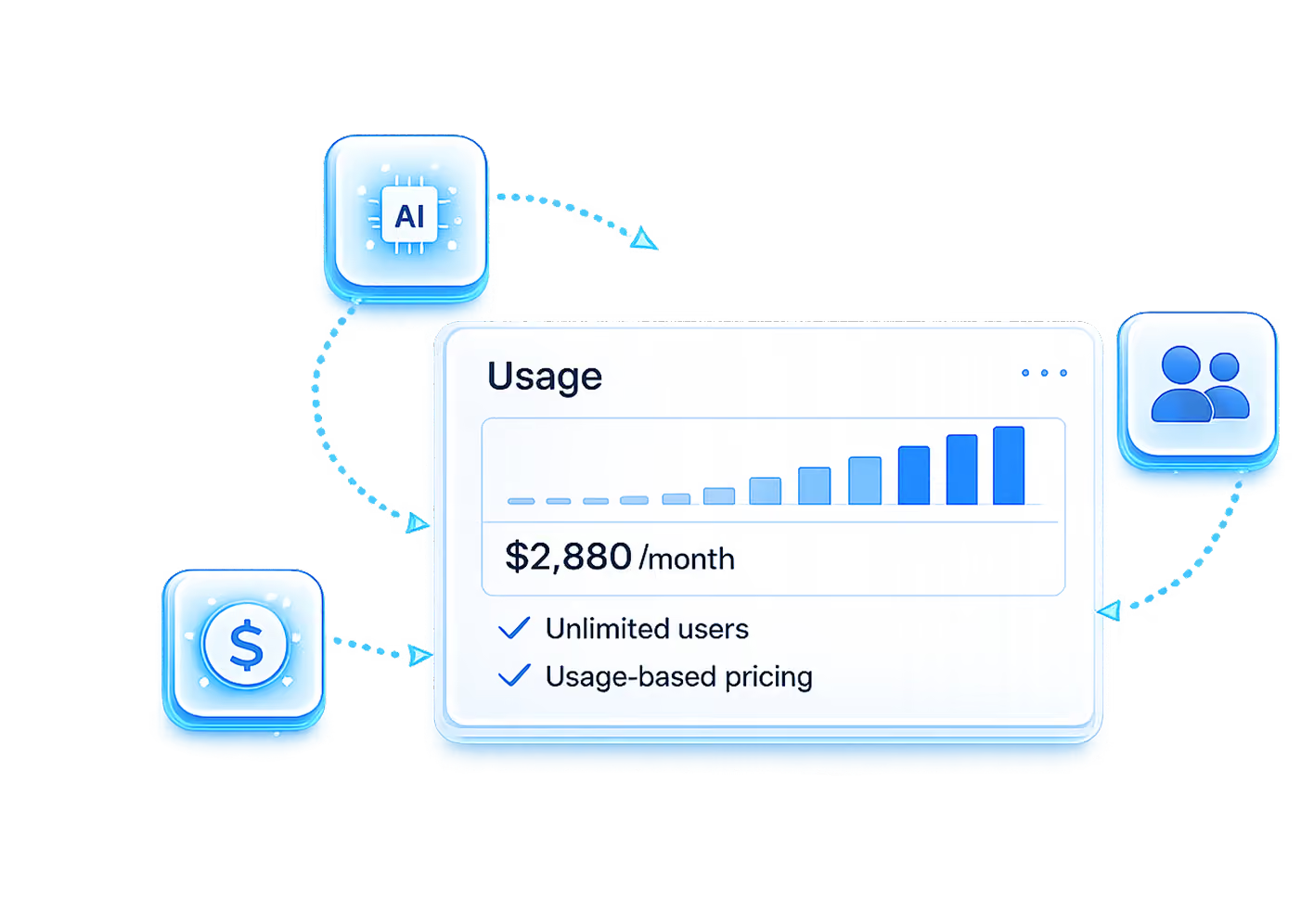
Usage-Based Pricing.
Pay for what gets done.
Every Zablen edition includes unlimited users. Pay for the platform and the work it performs—not the size of your team. Explore plans, pricing, and what's included.